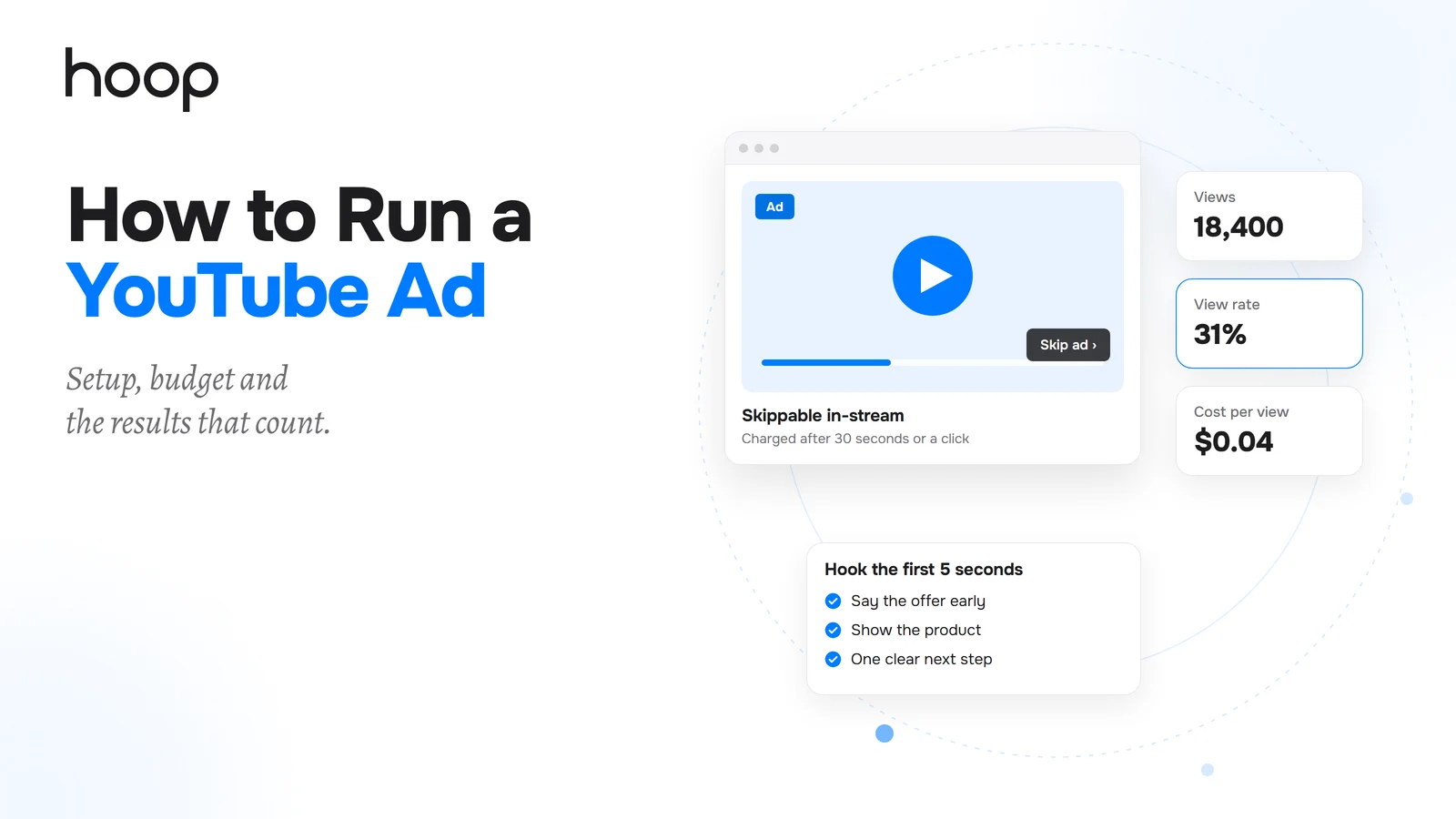
How to Run a YouTube Ad: Setup, Budget, and Results
A YouTube ad is a Google Ads campaign with a video attached. The objective you pick decides which formats and bidding you get — and whether the platform optimizes for viewers or for customers.
Ibrahim
Content Writer
To run a YouTube ad, upload a video, create a Google Ads campaign, choose an objective, set targeting and budget, then publish. Track the customer action you want rather than treating paid views as guaranteed sales. A clear goal and accurate conversion tracking prevent your first campaign from becoming an expensive guessing exercise.
Need this done right?
Want a team to handle it? Our Google Ads management services take this from plan to results.
Explore our Google Ads management servicesWhat Do You Need Before You Run a YouTube Ad?
Prepare a Google Ads account with billing details, a YouTube-hosted video, an approved destination page, and a clear advertising goal. Choose the action you want: a qualified call, product purchase, demo booking, or useful video view. Confirm the video meets Google advertising policies. For conversion campaigns, test the Google tag and the intended conversion action before spending.
Can you advertise without a large YouTube channel?
Yes. You can advertise with a new channel, provided your account, assets, and campaign meet applicable requirements. Subscriber count does not determine whether an ad can launch. A small channel still needs credible content, a clear offer, and an appropriate website. Paid reach does not guarantee subscribers, organic recommendations, or customers.
How to Run a YouTube Ad in Google Ads: 8 Steps
To run a YouTube ad in Google Ads, follow 8 steps and verify each important setting. Google changes account screens periodically, so labels can differ slightly between new and established accounts. The campaign goal controls available formats and bidding options.
Step 1: Upload the video and choose a clear goal
Upload the video to YouTube and copy its URL. Use a video that explains one relevant problem and your offer. In Google Ads, open Campaigns and create a new campaign. Choose Sales or Leads for measurable business actions; choose YouTube reach, views, and engagements for awareness. Video subscriptions and engagements can use Demand Gen rather than a standard Video campaign.
Step 2: Select the campaign type and appropriate format
Select the available campaign type that matches your objective. For video views, Google can serve skippable in-stream, in-feed, and Shorts ads. Reach campaigns can combine skippable, non-skippable, and bumper formats. Conversion-oriented inventory and setup differ by account and goal. Never assume the same format appears for every objective.
Step 3: Name the campaign and configure networks
Use an informative name, such as Brand - UK - Video Views - Test A. Review available networks and inventory settings instead of accepting every option without inspection. Check whether video partners, Google TV, or additional placements are included. Limit geography to customers you can actually serve. Set relevant languages and avoid unnecessary audience expansion during a tightly scoped test.
Step 4: Set a controlled budget and bidding strategy
Choose a daily or campaign-total budget when the selected campaign supports that option. Set a bid strategy that fits the outcome: target cost per view for views, or conversion-oriented bidding for eligible sales and lead campaigns. Treat daily spend as an average where platform rules permit variation. Review Google billing documentation before interpreting daily limits.
Step 5: Build a focused audience
Use location, demographics, audience segments, and eligible contextual controls based on your buyers. A B2B software business might focus on operations managers interested in reporting tools. A local repair service should restrict locations to its service territory. Avoid stacking so many narrow filters that delivery becomes impossible. Exclude unsuitable audiences and review placement reports when available.
Step 6: Add the video, headline, and destination
Paste the hosted video URL and complete the assets required for the format. Write a precise headline and a relevant call to action. Send clicks to a dedicated product, booking, or service page rather than a generic homepage. Check the page on a phone. The promise in the video should match the page headline and the next action.
Step 7: Check tracking, policies, and campaign settings
Preview the ad, test the final URL, and inspect conversion actions. Confirm that business information, payment details, and policy requirements are complete. Verify that your landing page loads and contact forms work. Confirm lead submission or purchase events actually register. A working campaign without reliable measurement tells you very little about commercial performance.
Step 8: Publish and monitor actual outcomes
Publish the campaign after reviewing targeting, placements, budget, and creative. Allow the platform time to review assets. Inspect delivery and spend before interpreting performance. Compare views and traffic with meaningful actions such as booked consultations or completed orders. Record changes so you can explain what produced an improvement or decline.
Which YouTube Ad Format Should You Choose?
Choose the ad format based on your business goal and the available inventory in your campaign. No format guarantees a result. A short attention-focused message works differently from a demonstration that asks viewers to visit a product page.
Skippable in-stream ads for a clear offer
Skippable in-stream ads play around video content and normally allow viewers to skip after 5 seconds. Show the buyer problem early and explain your offer quickly. Use a direct next step for people who want more detail. The platform applies its own view and billing definitions, so check reporting rather than assuming every impression is a billable view.
In-feed and Shorts ads for intentional viewing
In-feed ads invite users to select a video from supported discovery surfaces. Shorts ads appear in a vertical viewing environment (see short-form video ads) and require creative suited to a fast-moving feed. Prepare legible text, visible product demonstrations, and suitable aspect ratios. Test different openings rather than cropping one horizontal advertisement without reviewing the mobile result.
Bumper and non-skippable ads for reach
Bumper ads use a short six-second message. Non-skippable formats require viewers to watch an ad within format limits. These options often fit awareness and memorable brand messages better than a complicated product explanation. Choose the reach goal deliberately and evaluate frequency and incremental impact rather than counting impressions as new customers.
How Much Does It Cost to Run a YouTube Ad?
YouTube advertising has no universal fixed price. Your actual cost depends on the auction, audience, geography, objective, competition, bidding, creative, and available inventory. Plan a maximum test budget you can afford to lose while learning. Separate media spend from video production, landing-page work, software, and agency management fees.
How do YouTube ad pricing models work?
Cost per view (CPV) focuses on eligible paid views under Google’s rules. Cost per thousand impressions (CPM) relates to exposure. Cost per acquisition (CPA) measures advertising spend divided by completed conversion actions. Cost per click (CPC) measures spend divided by clicks. Different campaigns use different bidding methods. A cheap view is not necessarily a cheap customer.
Is $5 or $10 per day enough?
A $5 daily budget provides an approximate $150 monthly planning amount over 30 days; $10 daily suggests about $300. These figures are arithmetic examples, not spending guarantees. Small budgets can test basic delivery and message response. Competitive conversion goals often need more data and time. Restrict your test to one goal, one audience hypothesis, and a limited creative set.
How should you calculate a realistic testing budget?
Start with your acceptable cost per customer and expected lead-to-customer rate. Suppose you can pay $200 for a new client and close 1 in 5 qualified leads. Your target cost per qualified lead becomes $40. At that target, a $400 test would represent approximately 10 qualified leads. Actual performance can differ substantially, especially during early learning. Our guide to Google Ads costs explains the same arithmetic for search campaigns.
How Can You Target the Right YouTube Audience?
Target potential buyers using the signals your campaign supports and the questions your customers ask. Begin with a narrow business hypothesis, then review outcomes. Avoid treating broad interests or video views as proof of purchase intent.
Use customer problems to shape audience choices
For a SaaS product, identify the job and workflow that cause customers to seek help. For ecommerce, identify product use cases and relevant purchase needs. For local services, start with location eligibility and service availability. Where supported, build audience segments around meaningful interests or purchase signals. Keep campaign targeting aligned with actual customer research.
Separate remarketing from cold audiences
Remarketing can reach eligible past visitors or other permitted audiences. Use current consent, privacy, and Google Ads eligibility rules. People who already visited a pricing page need a different message from viewers unfamiliar with your brand. Separate these groups when scale allows you to interpret results. Exclude customers from acquisition campaigns when appropriate.
Avoid broad targeting without a clear test
Broad delivery can sometimes help automated bidding identify useful buyers, but only when the campaign has reliable conversion data and an appropriate objective. A tiny account without accurate tracking cannot interpret broad spend confidently. Test one audience assumption at a time and compare lead quality, not just reach.
What Makes a YouTube Video Ad Effective?
An effective ad makes the intended audience recognize a relevant problem and understand the next action quickly. Good production helps, but the message matters more than expensive editing. Write for viewers who have not heard of your company before.
Use the opening five seconds to qualify attention
Start with the exact customer problem, the product in action, or a clear result your service provides. A video for appointment software might open with a missed-booking problem and show the booking dashboard. Avoid generic introductions and unsupported claims. Your opening should help uninterested viewers move on and interested viewers keep watching.
Show evidence rather than vague promises
Demonstrate a feature, show a real product, or explain a verifiable outcome. A software company can show a workflow from request to confirmation. A retailer can demonstrate size, fit, and use. Obtain rights and permission for testimonials, logos, and footage. Avoid inventing customer results or implying typical performance from one exceptional example.
Match the call to action with the landing page
Choose one next step, such as Book a Demo, Request a Quote, or Shop the Product. A dedicated page should repeat the offer, provide proof, and remove unnecessary form fields. For a full campaign, our Google Ads management service covers video placements alongside conversion tracking and campaign reporting.
How Do You Know Whether YouTube Ads Are Working?
Measure performance against the objective that justified spending. Views and engagement reveal exposure, while leads, purchases, and revenue show commercial outcomes. Compare similar time windows and avoid judging campaigns from one day of noisy data.
Track views, engagement, and website behavior
Check TrueView views, view rate, impressions, website visits, and engagement measures relevant to your campaign. Google renamed its Views metric to TrueView views in October 2025. Use the current reporting definitions. A high view count can still represent weak commercial performance if viewers never take the intended next step.
Calculate lead cost and return on ad spend
For example, a campaign spends $600 and generates 12 qualified leads. Cost per qualified lead is $50. If 3 become customers worth $500 each in tracked revenue, recorded return on ad spend equals 2.5 times. These are illustrative numbers. Include margins and additional sales costs before claiming a campaign is profitable.
Fix weak performance at the right stage
Low view rates can suggest weak openings or mismatched placement. Strong views but few clicks can indicate an unclear offer. Clicks without inquiries suggest page friction, targeting problems, or weak intent. Leads without customers signal qualification or sales issues. Use the failing stage to choose one test instead of changing every campaign setting at once.
Should You Run YouTube Ads Yourself or Hire Help?
Run a small test yourself if you understand tracking, have time to review results, and can manage the financial risk. Seek professional support if conversions fail to register, spend grows without attribution, or multiple campaigns demand continual optimization.
What should a first-time advertiser manage personally?
Keep ownership of the advertising account, billing access, video assets, and performance data. Define acceptable acquisition costs and approval rules. Review campaigns at a predictable cadence. Ask providers to explain how paid views translate into actual prospects or revenue. Avoid contracts that promise guaranteed sales from impressions alone. Our Scrap Cars 4 Cash case study shows paid campaigns judged on customer outcomes.
When does professional management make sense?
Consider outside support when your business needs structured testing, reliable tracking, multiple audience groups, or creative production capacity. Our landing page optimization work can also address conversion problems that campaign bidding cannot solve. Evaluate service providers by setup quality, reporting clarity, and respect for budget limits.
What YouTube Advertising Mistakes Waste the Most Budget?
The biggest mistakes involve choosing the wrong objective, skipping tracking, sending clicks to weak pages, and judging success only by view counts. Fix those problems before raising budgets.
Choosing video views when you need booked calls
A campaign optimized for views seeks viewers, not necessarily customers. Choose a lead or sales objective with correctly configured conversion tracking when your goal is commercial action. Use video views for awareness and treat later sales impact as a separate measurement question.
Running one video without testing a different opening
One creative cannot tell you whether the audience rejected the offer or simply missed the point. Test a second opening that names the problem earlier. Keep audience and budget reasonably consistent while comparing the result. Stop poor variants only after enough meaningful performance information accumulates.
Scaling spending before checking lead quality
Do not double spending because clicks became cheaper. Check whether inquiries match your ideal customer profile, can afford the offer, and progress through sales. A campaign producing 20 irrelevant form submissions can be worse than a campaign producing 5 suitable consultations. Connect ad reporting to your customer relationship management records.
What Should You Do After the First YouTube Ad Test?
After the first test, review actual business results before increasing spend. Identify the audience segments that produced qualified responses and the creatives that helped viewers understand your offer. Keep your tracking and landing page consistent while testing the next idea. Record spending, qualified inquiries, closed customers, and what changed. A small campaign can teach useful lessons even without immediate profit, but only when you can connect the data to a clear decision.
Create a second test with one meaningful change
Test one different video opening, one relevant audience, or one revised landing page. Do not change every variable at the same time because you will lose the ability to explain the outcome. Keep the customer action consistent and give each test enough budget for meaningful observations. Compare qualified leads and sales, not just raw video views. If the first campaign attracts irrelevant viewers, improve audience fit before paying for additional impressions.
Use a launch checklist every time
| Task | Timing | Method | Difficulty |
|---|---|---|---|
| Define conversion | Before setup | Choose purchase, lead, or view | Low |
| Test tracking | Before launch | Complete test conversion | Medium |
| Review audience | During setup | Check region and exclusions | Medium |
| Check creative | Before launch | Preview video on mobile | Low |
| Review results | Weekly | Compare spend with outcomes | Medium |
Run YouTube Ads With a Clear Goal
A successful YouTube ad starts with one measurable goal, a clear message, and a campaign that reaches relevant viewers. Build your first test around a realistic budget, accurate conversion tracking, and a landing page that matches the video. Judge results through qualified leads, purchases, or other meaningful business actions rather than views alone.
Review your first campaign before increasing spend. Improve the weakest part of the customer journey, then test one meaningful change at a time. If your team needs help with campaign planning, audience targeting, creative testing, or performance tracking, our Google Ads management team can plan a focused test with you.
“A campaign producing 20 irrelevant form submissions can be worse than a campaign producing 5 suitable consultations.”
Key takeaways
- 01Test the conversion action before launch; a campaign without tracking teaches you nothing.
- 02The first five seconds should name the problem, not introduce your company.
- 03CPV, CPM, CPA and CPC answer different questions — a cheap view is not a cheap customer.
- 04Change one variable per test and keep the customer action fixed.
Written by
Ibrahim
Content Writer
Frequently Asked
Questions
Everything you need to know before booking a strategy call. Can't find your answer? Contact us directly.

Ask hoop
Usually replies in minutes
Can I run YouTube ads without making a public video?
Yes. An unlisted video can often serve as the ad creative when it meets the applicable ad format and policy requirements. The video still needs to be hosted on YouTube and accessible to Google Ads.
PEOPLE ALSO ASK
Swipe for 4 more questions →
Can't find your answer? Contact us directly.
Keep reading
All articles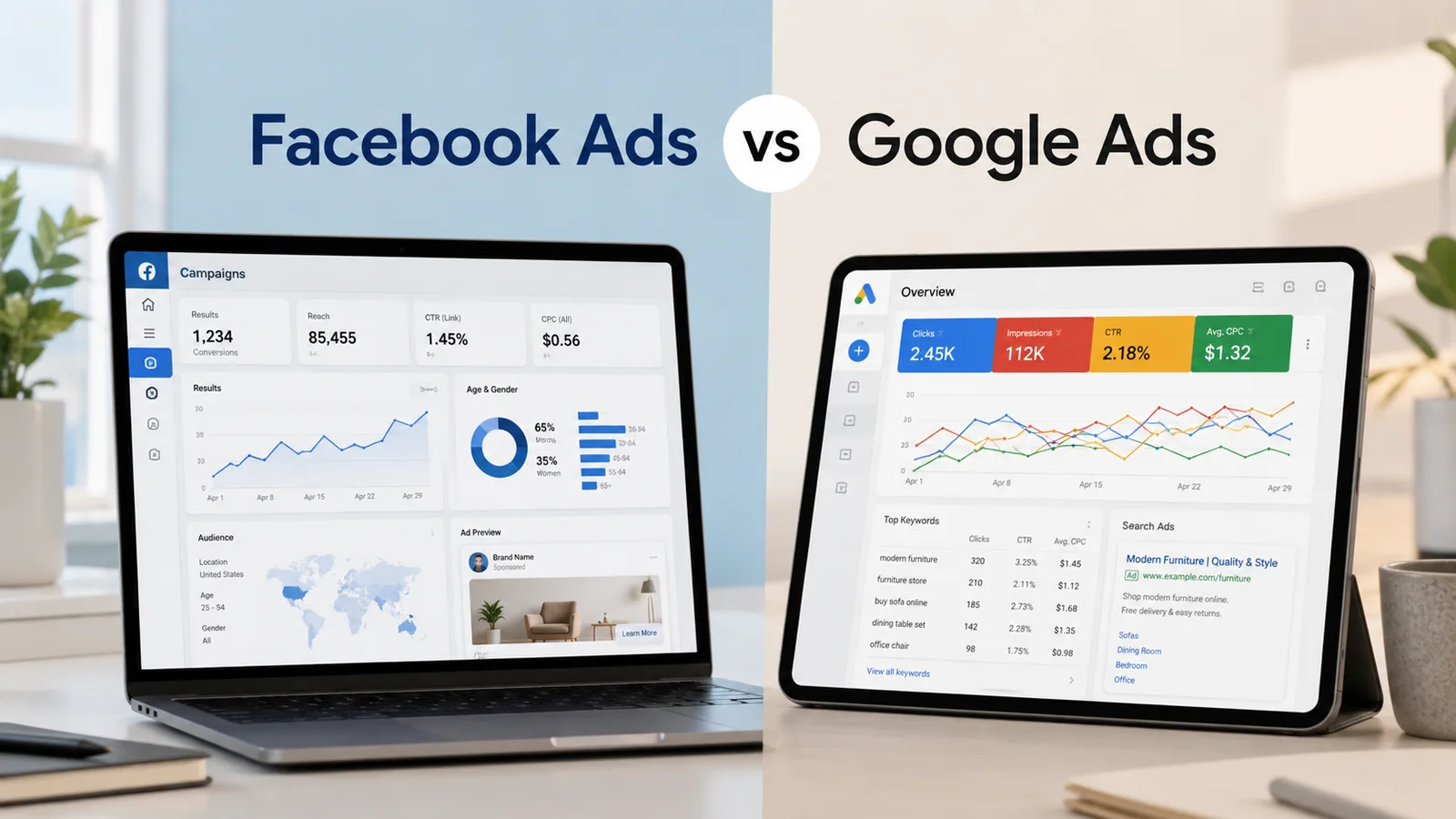
Facebook Ads vs Google Ads: Which Wins for Your Business?
Jul 15, 2026 · 9 min read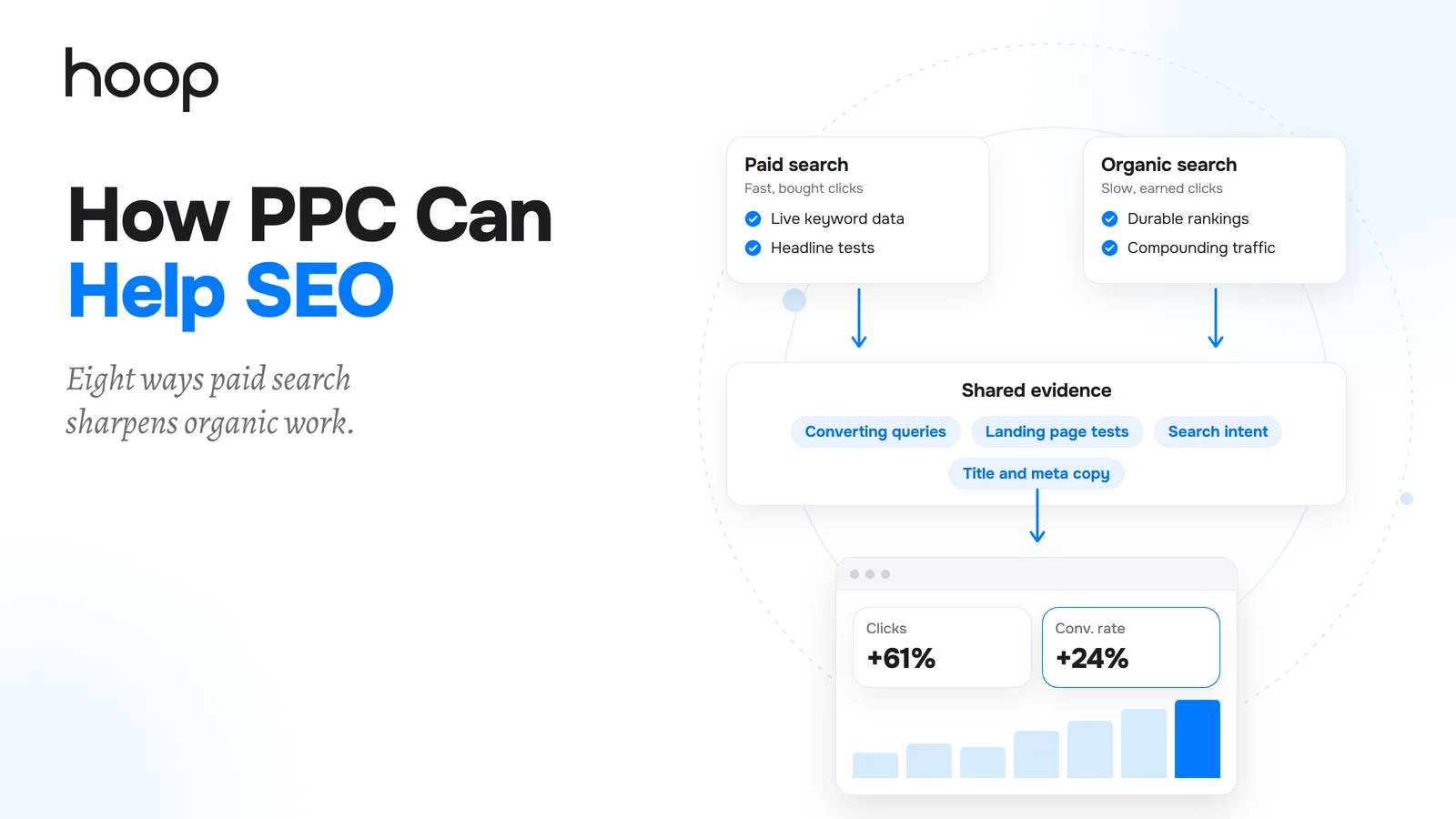
How PPC Can Help SEO: 8 Ways Paid Search Improves Organic Strategy
Nov 23, 2026 · 10 min read