What Is Marketing Automation? How It Works and Real Examples
Marketing automation runs the processes you design: a trigger fires, conditions decide who qualifies, and the platform acts. The design is the work; the software only repeats it.
Sahar
Content Writer
Marketing automation uses software to send relevant messages and complete repetitive marketing tasks based on schedules, customer behavior, and defined rules. It helps you follow up with prospects, nurture customers, and measure results without handling every action manually. Marketing automation does not replace your strategy or your team; it executes the processes you design.
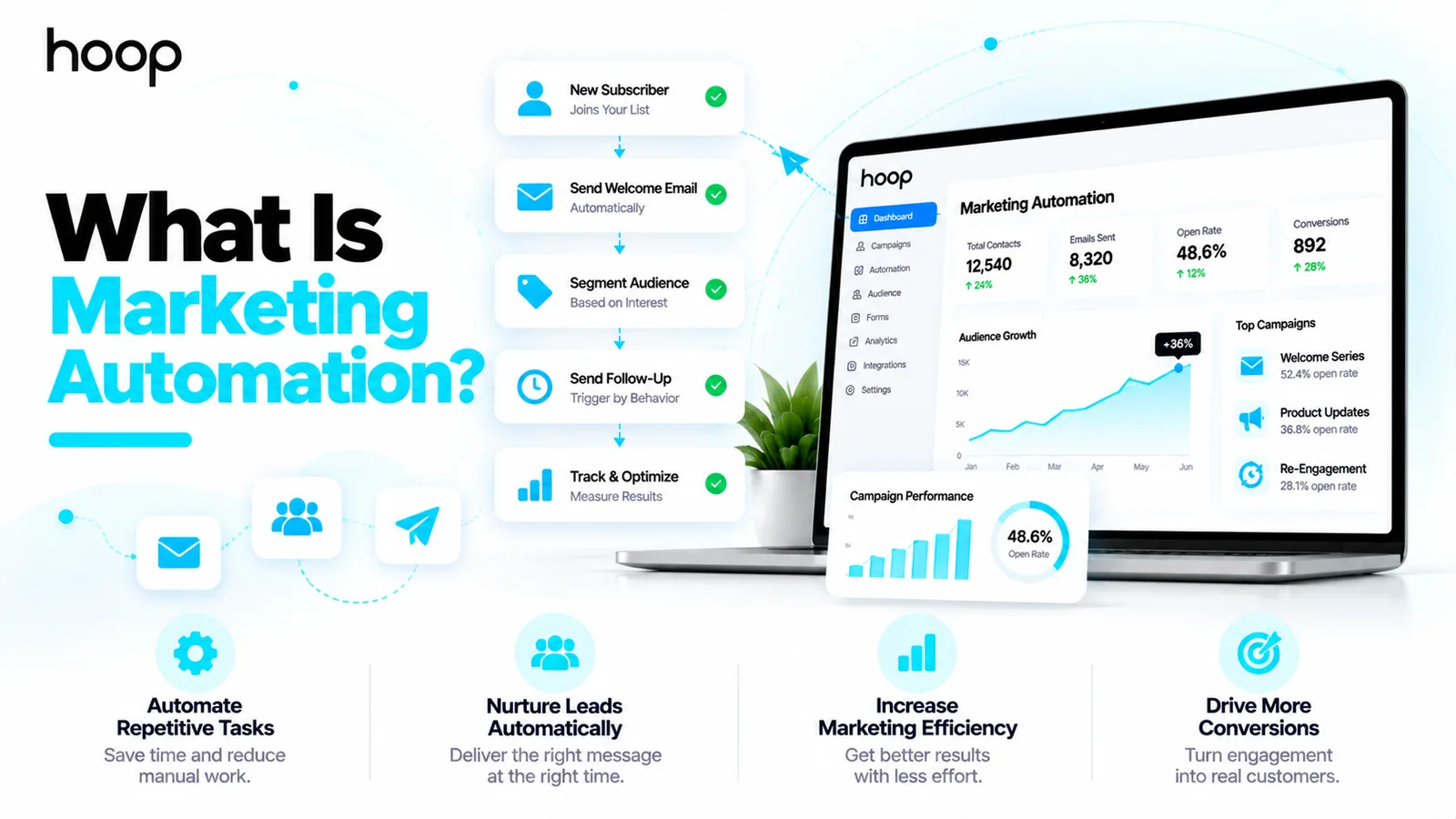
For example, a visitor downloads your pricing guide. Your system sends the guide immediately, waits 2 days, and sends a useful case study. If the visitor requests a consultation, the workflow stops promotional emails and alerts your sales team. You control the messages, timing, audience, and stopping conditions.
Need this done right?
Hoop builds the strategy, design and development behind sites like this one — talk to us about yours.
What Is Marketing Automation in Simple Terms?
Marketing automation means setting rules that tell software what to do when a customer takes an action. The platform observes a trigger, checks eligibility, and performs a selected action. A welcome email after a signup offers the simplest example. A multi-stage lead nurturing journey offers a more advanced example.
You still write the messages, choose the audience, check consent, and review performance. Software handles repeatable delivery and routing. A business owner with 50 subscribers and a marketing team with 50,000 contacts can both benefit, but each needs a different level of complexity.
A marketing automation example for a small business
A local service company receives a quote request through its website. The system confirms receipt, creates a contact record, and notifies the relevant employee. After the appointment, a second workflow asks for feedback. The business saves administrative effort while maintaining personal service.
A marketing automation example for an online store
An ecommerce customer adds a product to the cart but leaves before checkout. The store records the event where permitted and checks marketing consent. An automated reminder can show the selected product and return the customer to checkout. The workflow stops when the customer completes the purchase.
How Does Marketing Automation Work?
To understand marketing automation, follow 5 components: data, triggers, conditions, actions, and measurement. Together, these components determine who receives which message and when.
1. Collect customer data with permission
A contact form, email signup, purchase, or account event creates useful information. Your platform may store an email address, selected interests, lifecycle stage, or prior purchases. Collect information you genuinely need and explain how you will use it. Respect consent, unsubscribe requests, and applicable privacy rules.
2. Choose a trigger that starts the workflow
A trigger starts an automation. Common triggers include newsletter signup, form submission, webinar registration, abandoned checkout, trial expiration, and a completed purchase. Select a trigger tied to a real customer need rather than sending messages simply because software makes sending easy.
3. Apply conditions and audience segments
Conditions prevent irrelevant messages. You can distinguish first-time buyers from repeat customers, trial users from paying subscribers, or service inquiries from job applicants. A workflow can also check whether someone has purchased, booked a call, or unsubscribed before sending the next message.
4. Deliver actions and monitor the outcome
Actions include sending an email, assigning a lead, adding a customer tag, sending an internal alert, or updating a CRM record. A timer can delay messages until an appropriate time. Review failures, delivery logs, and conversion outcomes so the workflow remains accurate.
| Task | Trigger | First action | Difficulty |
|---|---|---|---|
| Welcome email | Signup | Send guide | Easy |
| Lead routing | Form received | Assign owner | Medium |
| Cart recovery | Checkout abandoned | Check consent | Medium |
| Trial onboarding | Account created | Share setup help | Medium |
Which Marketing Tasks Can You Automate?
Start with tasks that repeat frequently, depend on reliable data, and benefit from timely responses. Avoid automating sensitive decisions or complex customer conversations without appropriate review.
Email welcome sequences and educational follow-ups
A welcome sequence introduces your business after someone subscribes. Subsequent messages can answer common questions or explain services. A useful 3-email sequence might deliver the promised resource, present a customer example, and offer a relevant next step. Set frequency limits so new subscribers do not receive too many messages.
Lead nurturing and lead routing
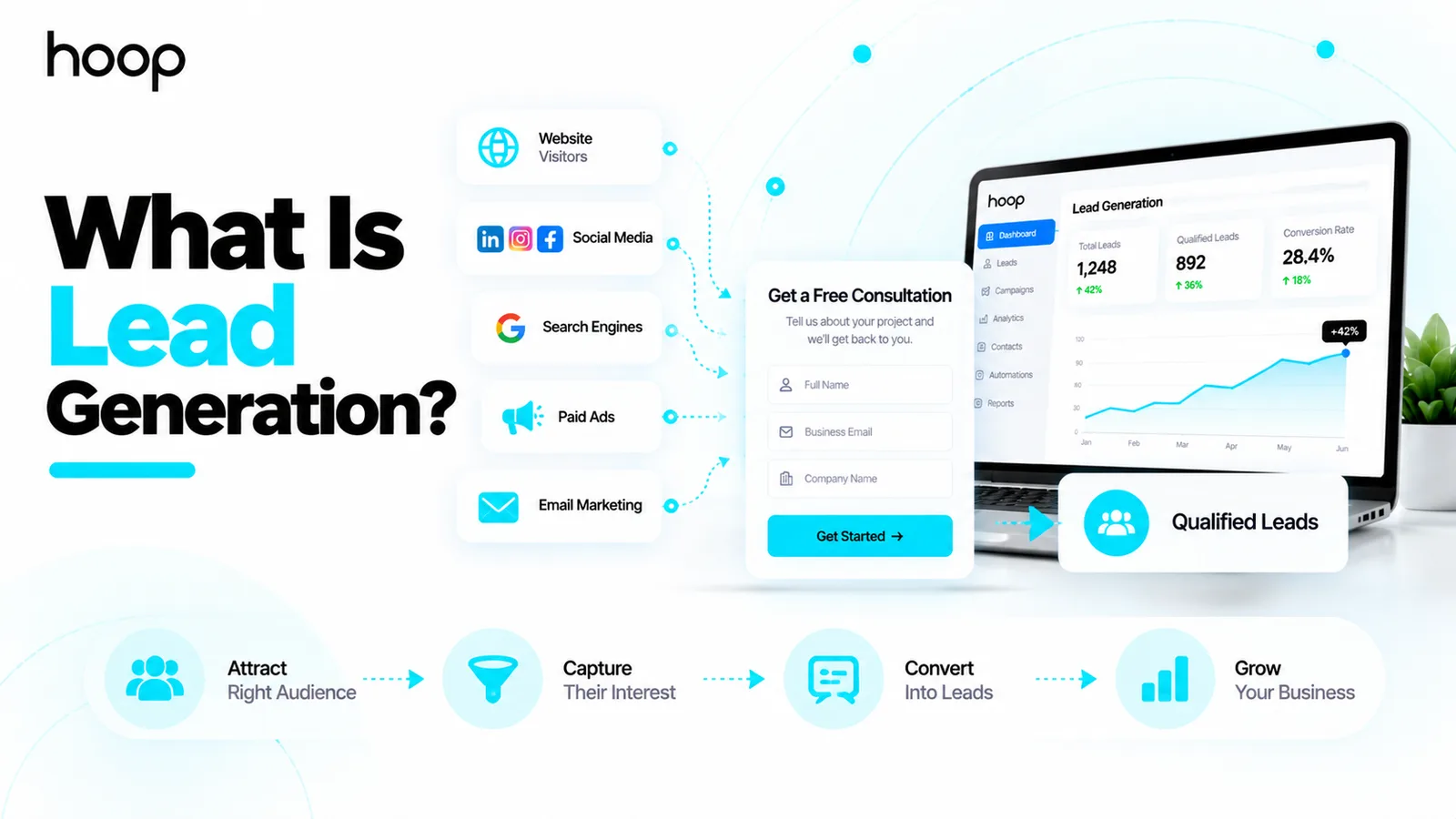
Lead nurturing keeps useful information flowing while prospects compare options. For example, a software agency can send an implementation checklist after a discovery guide download. The system can alert sales after a prospect asks for a demo. Hoop Interactive’s marketing automation services cover connected lead workflows of this kind.
Abandoned cart and customer retention campaigns
Ecommerce automations include cart reminders, replenishment notices, post-purchase education, and win-back messages. A store should suppress abandoned-cart reminders after checkout. Service businesses can use renewal reminders or educational follow-ups instead of product recommendations.
Internal notifications and campaign reporting
A contact form can alert an assigned sales representative as soon as a relevant inquiry arrives. A reporting workflow can flag failed emails, unexpected unsubscribe rates, or broken integrations. Automated dashboards reduce manual spreadsheet updates, but human review remains necessary.
What Are the Main Benefits of Marketing Automation?
Marketing automation improves consistency, response speed, and operational visibility when a business begins with accurate data and useful customer messages. Benefits depend on workflow design rather than software purchase alone.
Save time on repeatable campaign work
A team can build one welcome sequence and reuse it for eligible subscribers. The team no longer needs to send each welcome message manually. Saved effort allows staff to research customers, improve creative work, and speak directly with high-value prospects.
Respond when customer interest is strongest
An immediate confirmation reassures someone who submitted a request. A relevant product reminder can help a shopper continue an unfinished purchase. Timing improves usefulness only when the message matches the action and the customer expects communication.
Create more relevant customer experiences
Segmentation allows you to tailor communications to needs. A business can separate ecommerce buyers, new subscribers, and demo requesters. Each group receives a different message instead of the same repeated sales pitch. Strong relevance depends on accurate information and sensible frequency.
Connect campaign activity to business outcomes
You can monitor signups, qualified leads, booked appointments, purchases, and revenue attributed to automation. Those measures reveal more than email opens alone. Compare results before and after implementation, and account for other campaigns influencing conversions.
How Does Marketing Automation Differ From Email Marketing, CRM, and Sales Automation?
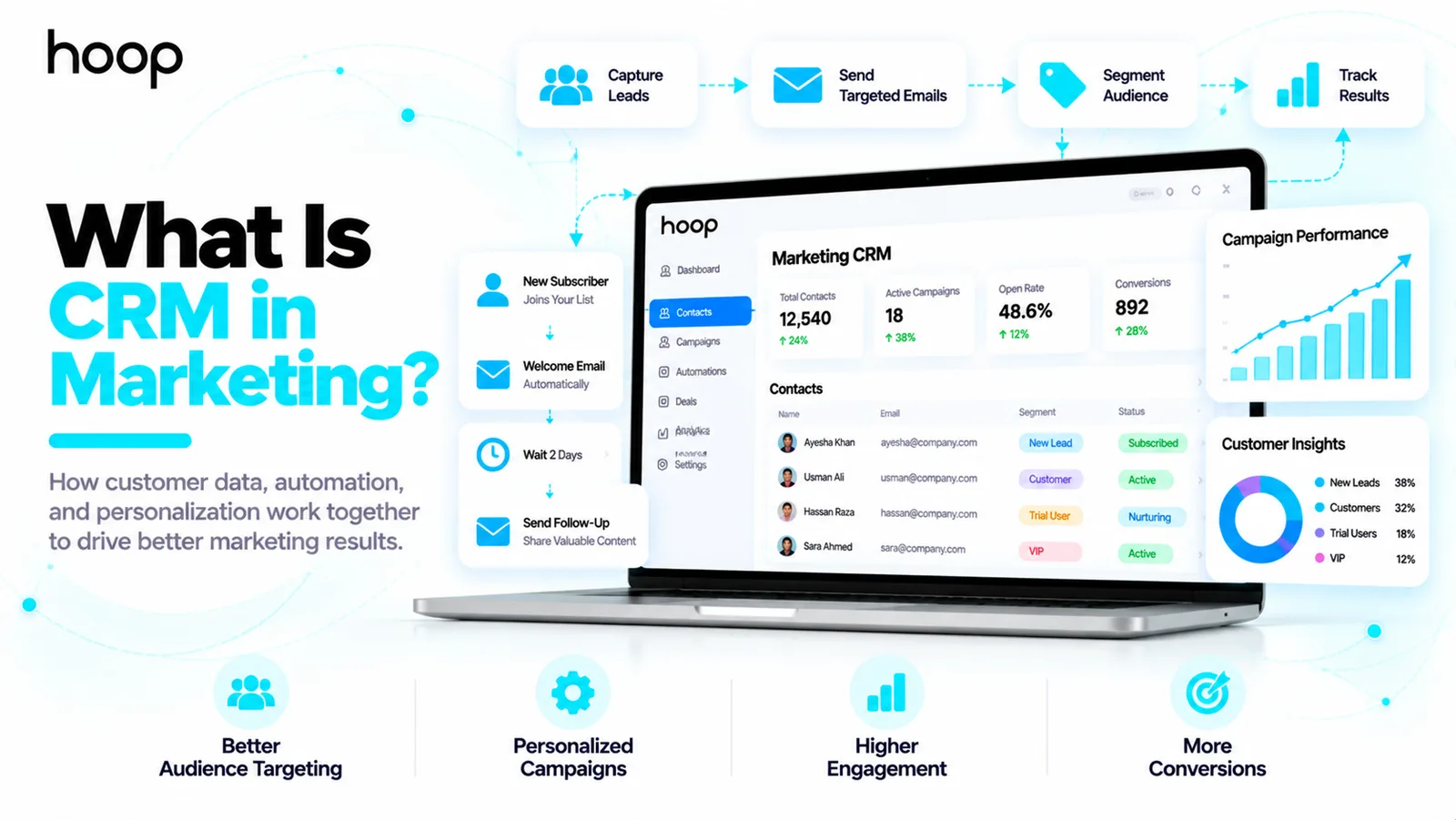
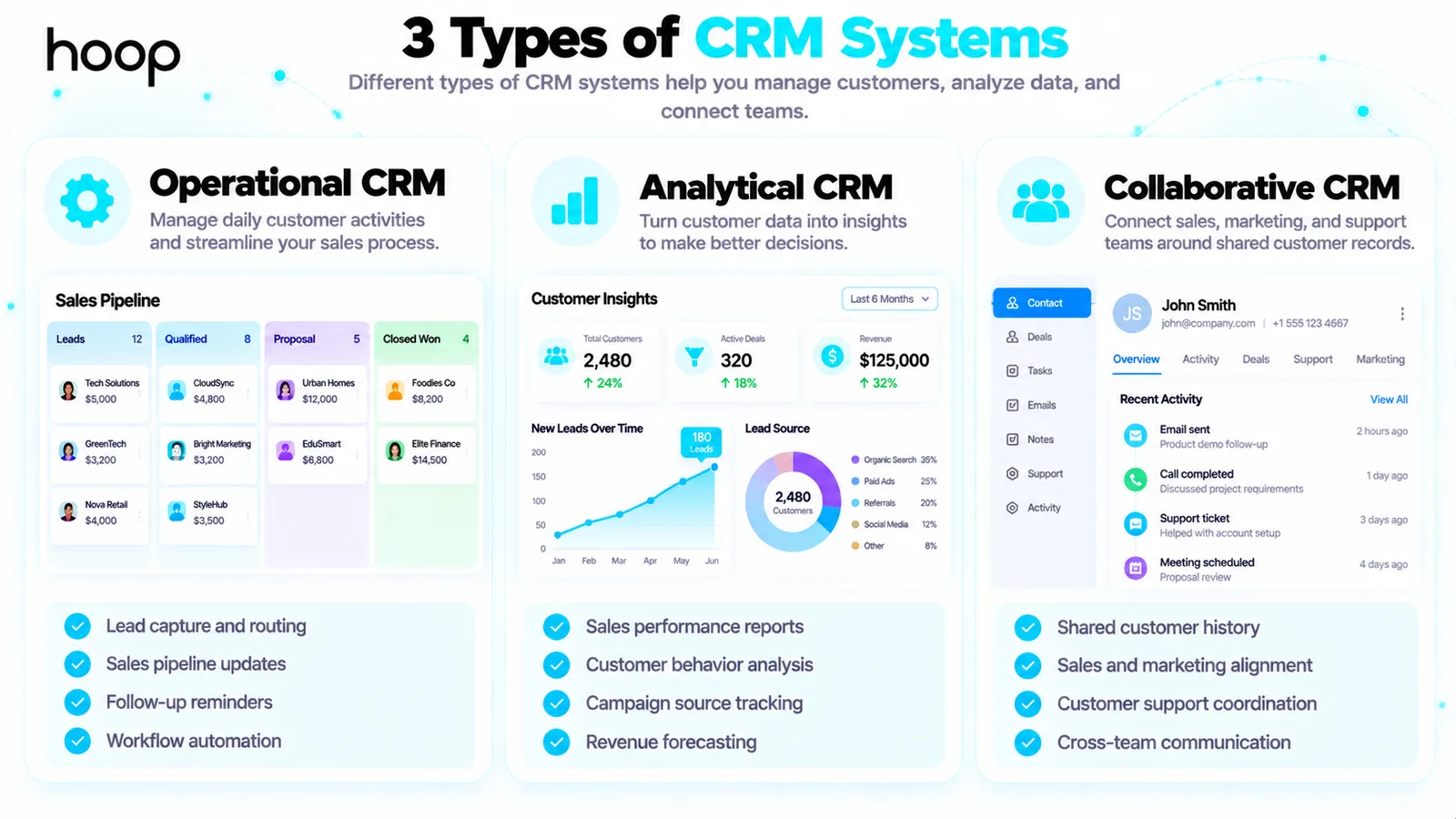
Email marketing describes the channel. Marketing automation coordinates messages and actions through rules. Customer relationship management (CRM) stores interactions and customer records. Sales automation handles repetitive sales activities such as task creation and meeting reminders. Connected systems share relevant data without making every tool identical.
For example, a marketing workflow recognizes a demo request and changes the contact lifecycle stage. Your CRM records the inquiry and assigns an owner. Sales automation creates a follow-up task. The salesperson then handles the conversation. Businesses can connect these functions through CRM setup services when contact records and handoffs remain fragmented.
What Are Practical Marketing Automation Examples by Business Type?
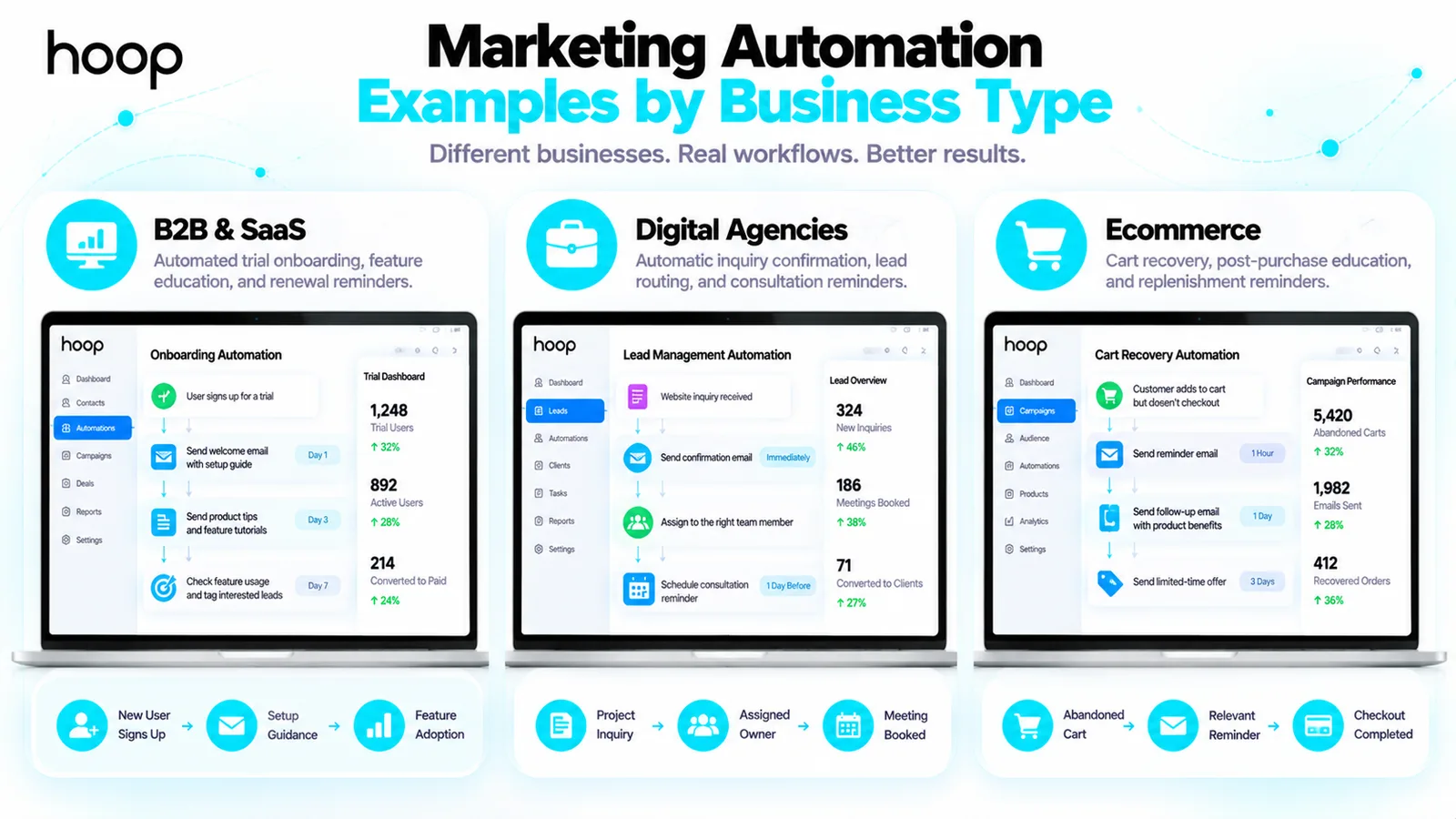
The best starting workflow depends on how customers buy your products or services. Match each workflow to a specific action and a measurable outcome.
B2B software and SaaS businesses
A software-as-a-service (SaaS) business can automate trial onboarding, feature education, and renewal reminders. For example, a user who creates an account but never completes setup receives a targeted help message. A user who completes setup stops receiving beginner instructions. Product usage should guide the journey where customers consent to relevant tracking.
Digital agencies and professional services
An agency can acknowledge new project inquiries, route requests by service type, and remind staff about consultation bookings. An automated guide can answer common questions before a meeting. Complex scoping, pricing decisions, and relationship management should remain with experienced team members.
Ecommerce stores and subscription brands
An online store can send order education, replenishment prompts, and loyalty reminders. A subscription brand can help customers understand their plan before renewal. Both businesses should stop promotional flows after a relevant purchase or cancellation to avoid contradictory messages.
How Do You Set Up Marketing Automation Without Overcomplicating It?
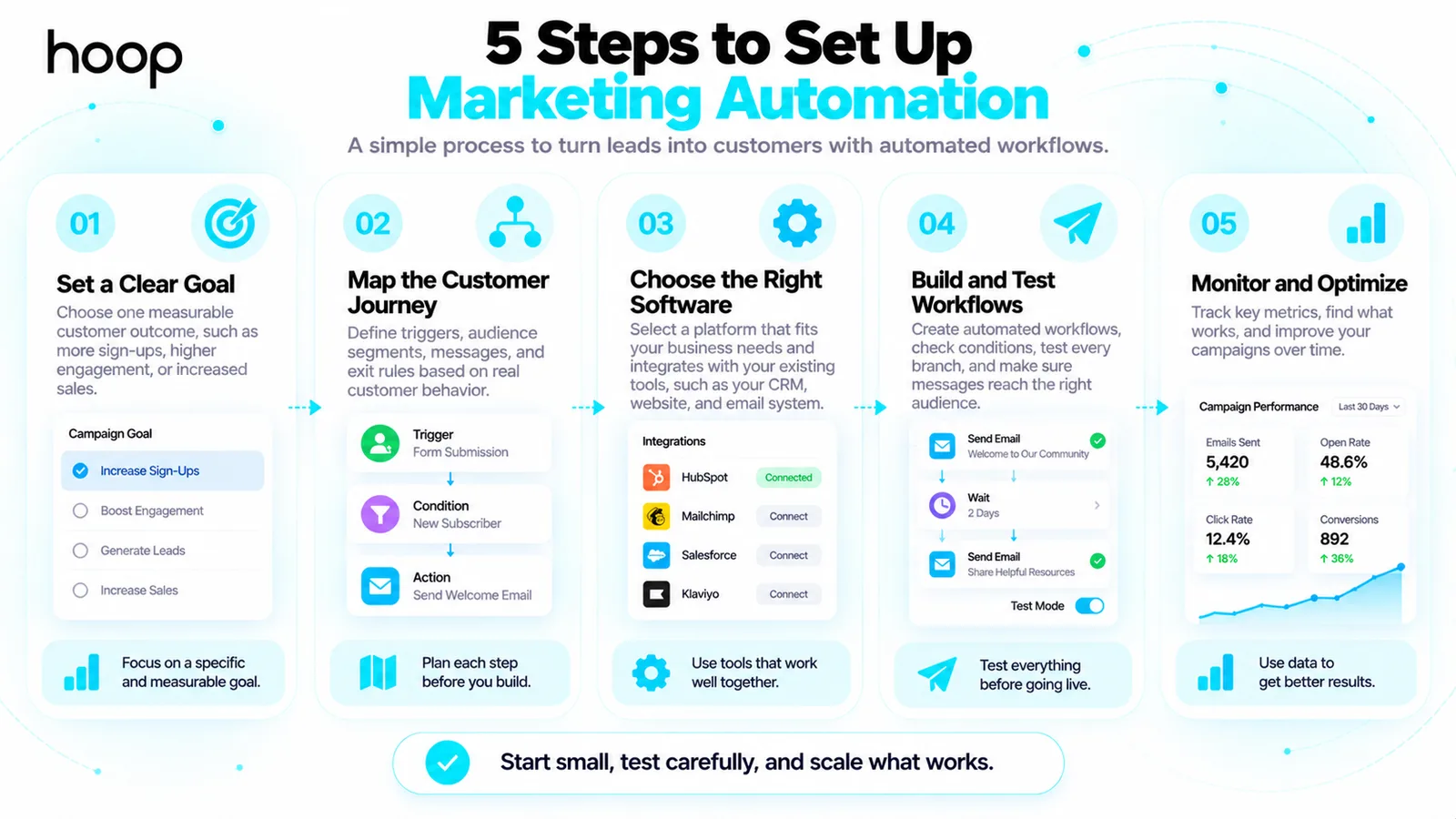
To set up marketing automation, choose 1 measurable customer problem before selecting features. A small, working workflow creates better evidence than 20 untested automations.
Step 1: Pick one measurable goal
Choose a clear goal such as faster inquiry responses, more completed onboarding flows, or fewer abandoned carts. Establish a baseline for the chosen metric. For example, record your current percentage of consultation requests receiving a reply within 1 business day.
Step 2: Map the customer journey
Write the customer action, required data, message, delay, and stop condition. Confirm that the workflow solves a real problem. A welcome workflow needs a signup trigger, an approved email, and an unsubscribe mechanism.
Step 3: Select software that fits your process
Evaluate HubSpot, Mailchimp, ActiveCampaign, and Klaviyo against your actual needs. Check contact limits, workflow features, CRM connections, reporting, data portability, and support. Compare current vendor pricing directly rather than assuming one platform fits every business.
Step 4: Test every branch before launch
Create test contacts representing new subscribers, existing customers, and unsubscribed users. Check delivery, links, tags, delays, duplicate messages, and exit rules. Test mobile email layouts as well as desktop views. Fix errors before activating the full audience.
Step 5: Review performance and improve one variable
Monitor each workflow weekly during early rollout. Review completed actions, conversions, complaints, and contact errors. Change one major element at a time, such as timing or message content. Document changes so your team understands which adjustment affected performance.
A practical rule helps you decide whether a process belongs in automation: repeatability, permission, and clear ownership should all be present. Review what happens when an event fails, a customer changes their preferences, or an employee takes over the conversation. Document the workflow owner and a contact who can pause the campaign.
You can also audit existing messages before creating anything new. Compare your signup confirmation, first follow-up, sales handoff, and unsubscribe experience. Fix missing links, confusing offers, and long response delays. Reliable basic journeys usually give teams a stronger starting point than complex campaigns nobody maintains.
How Much Does Marketing Automation Cost?
Marketing automation costs depend on contact volume, features, integration requirements, and ongoing management. Entry-level email tools often offer limited free options, while advanced CRM-connected systems require paid plans or implementation support. Vendor pricing changes, so check current terms before committing.
Calculate total cost using software subscriptions, setup hours, copywriting, data cleanup, integrations, maintenance, and training. A low monthly subscription can become expensive if staff must repair inaccurate records or failed automations. Compare operating cost with the value of recovered opportunities and time saved.
What Marketing Automation Mistakes Should You Avoid?
Avoid automating a broken process. Software repeats poorly designed decisions at higher volume, so fix unclear customer journeys before building rules.
Sending the same message to every contact
Segment recipients by interests, customer stage, and relevant activity. Remove or suppress people who no longer qualify. Generic messaging can increase complaints and reduce engagement even when delivery works perfectly.
Ignoring consent and unsubscribe requests
Use appropriate consent and lawful sending practices for each market. Provide working unsubscribe controls where required and honor opt-outs promptly. Avoid purchasing unknown contact lists and importing people into campaigns without checking permission.
Measuring volume instead of qualified outcomes
A workflow can send thousands of emails without producing useful results. Track customer actions that matter, including qualified inquiries and completed purchases. Compare those outcomes with labor, platform, and campaign costs.
Automating conversations that require judgment
Keep people involved in disputes, complex sales discovery, sensitive complaints, and unusual customer requests. Use automation to alert the right employee rather than sending an unsuitable scripted response. Clear escalation rules protect customer trust.
How Do You Measure Marketing Automation Success?
Measure workflow performance against your original goal. Useful metrics include delivery rate, click rate, conversion rate, qualified leads, time to first response, unsubscribe rate, and revenue per workflow. Different workflows require different success measures.
For example, 200 people enter a consultation nurture sequence and 20 book meetings. The booking conversion rate is 10% (20 divided by 200). That result alone does not prove profit. Review lead quality, closed revenue, and campaign costs before deciding whether to expand the workflow.
A practical performance review checks whether messages arrived, contacts progressed, and customers benefited. For deeper implementation examples, Hoop Interactive explains email automation campaign strategies that connect triggered messages with customer actions.
Build Marketing Automation Around Customer Needs
Marketing automation works best when you start with a useful message, accurate data, and a clear next action. Build one workflow, test every branch, and track meaningful customer outcomes before expanding.
If you want connected email journeys, lead nurturing, and CRM workflows, review Hoop Interactive’s HubSpot workflow solutions to plan a system suited to your business.
“Avoid automating a broken process. Software repeats poorly designed decisions at higher volume.”
Key takeaways
- 01Five components: data, triggers, conditions, actions, measurement.
- 02Automate what repeats, has permission, and has a clear owner — nothing else.
- 03Marketing automation, email marketing, CRM, and sales automation are four different jobs that share data.
- 04Measure qualified outcomes and revenue per workflow, not messages sent.
Written by
Sahar
Content Writer
Frequently Asked
Questions
Everything you need to know before booking a strategy call. Can't find your answer? Contact us directly.
No. Small businesses can start with 1 welcome email, inquiry confirmation, or appointment reminder. The right workflow depends on customer needs, not business size.
No. Marketing teams still plan campaigns, write messages, maintain data quality, and review customer feedback. Software performs repeatable actions under their direction.
Yes. Basic email workflows can operate without a separate CRM. A connected CRM becomes more useful when sales teams need shared contact histories and handoffs.
No. Email automation handles email-specific messages. Marketing automation can also coordinate customer segments, lead scoring, form submissions, notifications, and actions across connected tools.
Start with the most frequent missed follow-up, such as new-inquiry confirmation or subscriber onboarding. Select a workflow with a clear trigger, measurable result, and low risk.