WordPress vs Webflow vs Custom: Best CMS for Your Business
WordPress wins on plugin flexibility and full ownership but needs constant maintenance. Webflow removes that maintenance in exchange for platform limits on complex workflows. A custom CMS costs most upfront and returns complete control over performance, permissions, and integrations.
Sahar
Content Writer
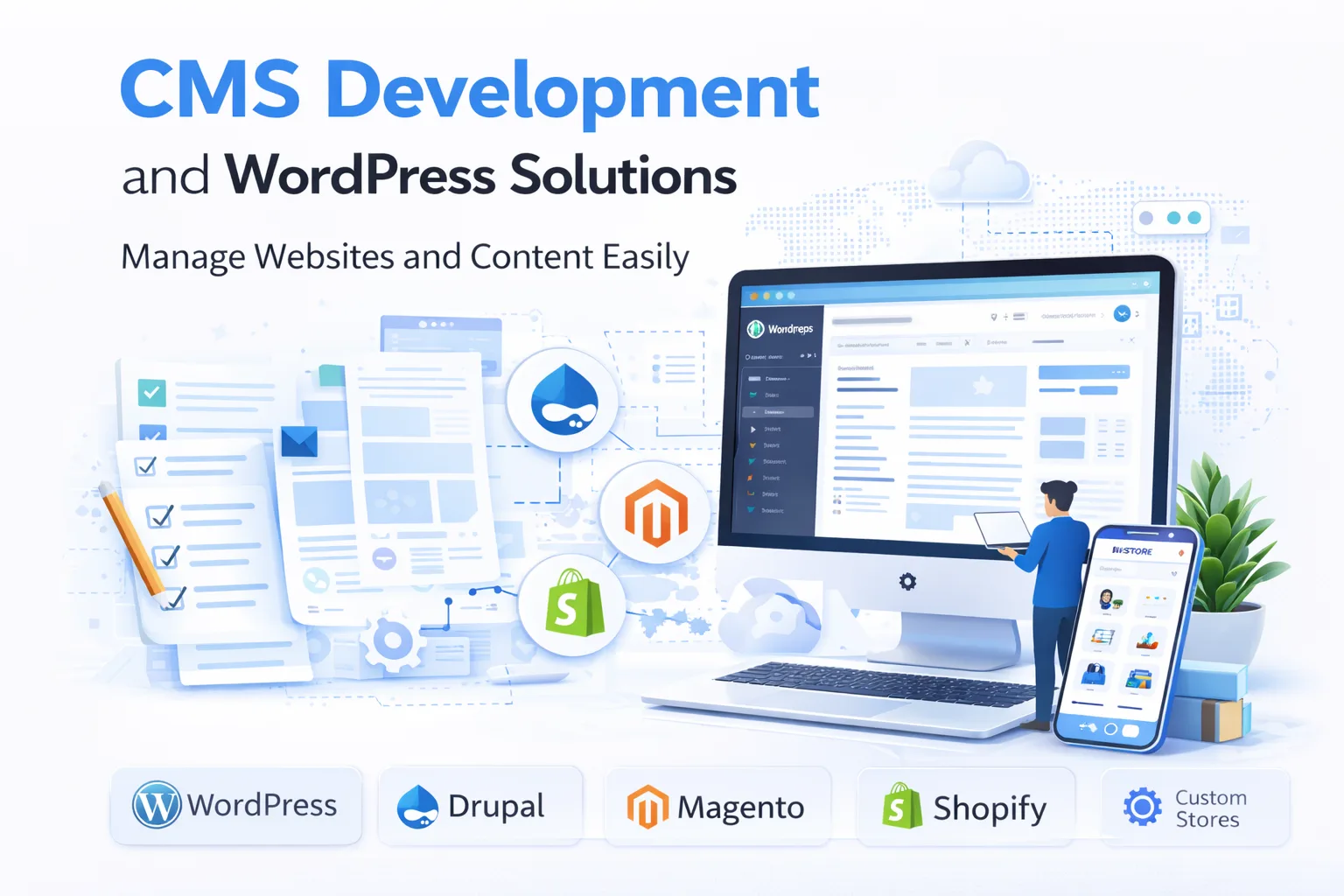
Choosing the right content management system can significantly influence your website’s performance, scalability, and long-term success. This guide explores WordPress vs Webflow vs Custom: Best CMS for Your Business, helping you compare each platform’s strengths, limitations, costs, and features so you can confidently choose the best solution for your business.
Need this done right?
Hoop builds the strategy, design and development behind sites like this one — talk to us about yours.
Why Choosing the Right CMS Matters
A content management system is the foundation of your website. It determines how easily you can manage content, improve SEO, maintain security, and expand your website as your business grows.
Many businesses choose a CMS based solely on popularity or initial cost. However, the right platform should align with your business objectives, technical requirements, and long-term growth plans.
Whether you are launching a startup, redesigning your website, or building a large-scale digital platform, selecting the appropriate CMS helps reduce future costs while creating a better experience for both your team and your customers.
Understanding the Three CMS Options
Before comparing their features, it is important to understand how each platform works and who it is best suited for.
WordPress
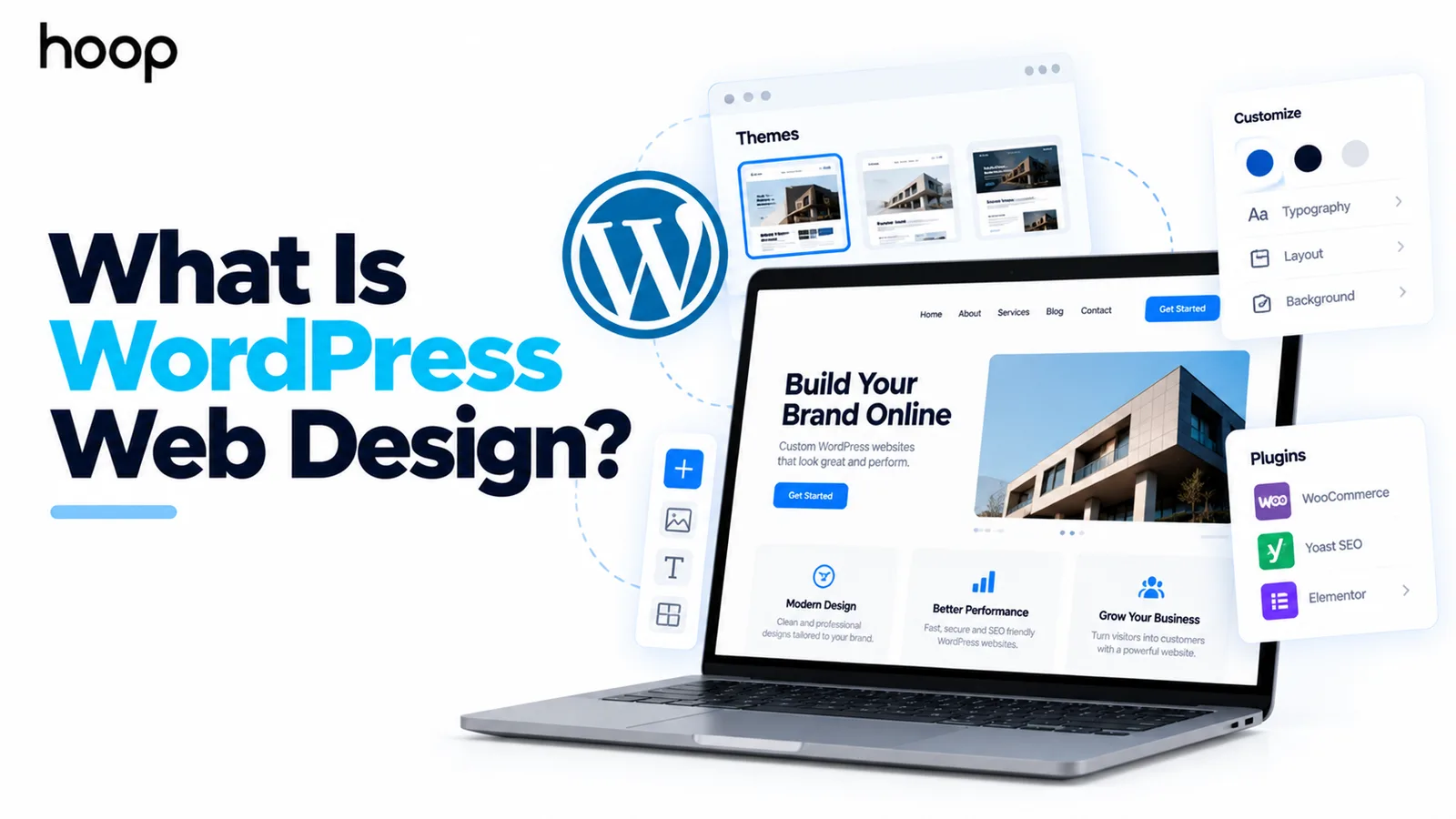
WordPress is the world’s most widely used content management system. As an open-source platform, it offers flexibility, thousands of themes, and an extensive plugin ecosystem that allows businesses to build almost any type of website.
From company websites and blogs to online stores and membership platforms, WordPress supports businesses of every size. Because it is self-hosted, organisations have complete ownership of their website and can customise nearly every aspect of its functionality. However, WordPress requires ongoing maintenance, plugin updates, security management, and reliable hosting to perform at its best.
Webflow
Webflow is a cloud-based website development platform that combines visual design with content management. It allows designers and marketers to create responsive websites without writing large amounts of code.
Unlike traditional website builders, Webflow provides greater design flexibility while managing hosting, security updates, and infrastructure automatically.
It is particularly popular among creative agencies, marketing teams, and businesses looking for visually impressive websites that are relatively easy to manage after launch.
Although Webflow offers significant design freedom, businesses requiring advanced functionality or highly customised workflows may eventually encounter platform limitations.
Custom CMS
A custom CMS is designed and developed specifically around your business requirements. Rather than adapting your processes to fit an existing platform, developers create a unique content management system tailored to your operations.
Every feature, workflow, integration, and user permission can be customised to match your organisation’s exact needs. Businesses also maintain complete ownership of the platform, allowing unlimited flexibility as requirements evolve.
While custom development requires a larger initial investment, it provides exceptional scalability, stronger performance, and long-term value for businesses with complex digital requirements.
Flexibility and Customisation
Business requirements rarely remain the same over time. As organisations grow, their websites often require additional functionality, integrations, and customised user experiences.
WordPress provides outstanding flexibility through thousands of plugins and themes. Businesses can add booking systems, membership portals, multilingual functionality, customer relationship management tools, and countless other features with relatively little effort.
Webflow focuses primarily on design flexibility. It allows businesses to build visually engaging websites while maintaining clean code and responsive layouts. However, certain advanced business processes may require external integrations or custom development.
A custom CMS offers complete freedom. Every page, workflow, API integration, and feature is developed specifically for your business without relying on third-party plugins or platform restrictions. This makes custom development particularly valuable for organisations with specialised operational requirements.
SEO Capabilities
SEO services remain one of the most important considerations when selecting a CMS, helping businesses improve search visibility, organic traffic, and long-term growth.
WordPress has earned a strong reputation for SEO because it provides complete control over URLs, metadata, structured data, internal linking, and technical optimisation. Businesses can further improve their websites using dedicated SEO plugins and performance enhancements.
Webflow also includes impressive built-in SEO features. Users can customise metadata, optimise page structures, generate XML sitemaps, and create responsive websites that perform well across devices. Its clean code often contributes to strong search engine performance.
A custom CMS provides the greatest SEO flexibility because developers can optimise every technical aspect of the website. From Core Web Vitals and page speed to structured data and semantic HTML, every element can be tailored to maximise organic visibility.
For businesses that rely heavily on organic traffic, investing in SEO-friendly website development creates long-term competitive advantages.
Website Performance and Speed
Website performance directly affects user experience, search engine rankings, and conversion rates. WordPress performance depends largely on hosting quality, plugin selection, theme optimisation, and regular maintenance. Poorly managed websites can become slow as additional plugins are installed.
Webflow manages hosting and optimisation automatically, allowing many websites to achieve consistently strong loading speeds without extensive technical management.
A custom CMS provides the highest level of performance because developers optimise every component specifically for your business. Without unnecessary plugins or generic features, custom websites often deliver faster loading times, improved Core Web Vitals, and a smoother user experience.
At Hoop Interactive, we build high-performance websites that balance speed, scalability, SEO, and user experience, ensuring your CMS supports long-term business growth rather than limiting it.
Security and Website Maintenance
Security is essential for protecting customer data, maintaining business continuity, and building trust. The level of security you receive depends largely on the CMS you choose.
WordPress is secure when managed properly, but because of its popularity, it is a common target for cyber threats. Businesses must regularly update plugins, themes, and the core platform while using reliable hosting, backups, and security tools to minimise risks.
Webflow manages hosting, software updates, and infrastructure security automatically. This reduces maintenance responsibilities and allows businesses to focus on content rather than technical administration.
A custom CMS offers the highest level of control. Security measures are built around your specific business requirements, allowing developers to implement advanced authentication, encrypted data storage, custom permissions, and secure integrations that match your operational needs.
Scalability for Business Growth
Your CMS should support not only your current requirements but also your future ambitions.
WordPress scales effectively for most small and medium-sized businesses when supported by quality hosting and ongoing optimisation. As websites become larger, careful management of plugins and performance becomes increasingly important.
Webflow performs well for marketing websites, portfolios, and growing businesses. However, organisations with highly complex workflows or enterprise-level requirements may eventually encounter platform limitations.
A custom CMS provides virtually unlimited scalability. Because every component is built specifically for your business, the platform can grow alongside your organisation without unnecessary restrictions. Whether you are expanding internationally, managing multiple brands, or integrating advanced business systems, a custom solution offers long-term flexibility.
Pricing and Total Cost of Ownership
Choosing a CMS involves more than comparing upfront costs. Businesses should consider the total cost of ownership, including hosting, maintenance, licensing, development, security, and future upgrades.
WordPress is free to download, but businesses still need to pay for hosting, premium themes, plugins, maintenance, security, and occasional developer support. While the initial investment may be relatively low, ongoing expenses can increase as websites become more advanced.
Webflow operates on a subscription model that combines hosting and platform management into one predictable monthly fee. This makes budgeting simpler, although premium plans and additional features can increase costs over time.
A custom CMS requires the highest upfront investment because every feature is designed specifically for your organisation. However, businesses benefit from complete ownership, reduced dependency on third-party tools, and greater long-term flexibility. For companies planning significant digital growth, this often results in stronger long-term value.
SEO Comparison
Search engine optimisation plays a major role in attracting qualified traffic and generating leads.
WordPress has long been recognised for its excellent SEO capabilities. Businesses have complete control over URLs, metadata, structured data, internal linking, and technical optimisation while benefiting from a wide range of specialised SEO plugins.
Webflow also delivers strong SEO performance. Clean code, responsive design, editable metadata, and automatic sitemap generation make it an attractive option for businesses focused on organic visibility.
A custom CMS provides the greatest SEO flexibility. Every technical element can be optimised according to current search engine best practices, including Core Web Vitals, semantic HTML, schema markup, page speed, and website architecture.
Rather than relying on standard templates, custom development enables businesses to create websites specifically designed to maximise search performance and user experience.
AI Is Transforming Content Management
Artificial Intelligence is transforming content management by improving efficiency and user experiences. Modern CMS platforms use AI for content creation, SEO optimisation, workflow automation, personalisation, and visitor insights. While WordPress and Webflow support AI through plugins and integrations, a custom CMS offers the greatest flexibility by allowing AI features to be tailored to your business needs and future growth.
Which CMS Is Best for Different Businesses?
There is no single CMS that suits every organisation. The right choice depends on your goals, budget, technical requirements, and growth plans.
Startups
Startups often require a platform that allows them to launch quickly while keeping costs under control. WordPress is an excellent choice for businesses that want flexibility without significant upfront investment. Webflow is also suitable for startups that prioritise modern design and straightforward content management.
Small and Medium-Sized Businesses
Growing businesses usually need stronger SEO capabilities, greater flexibility, and room to scale. Both WordPress and Webflow can meet these requirements, although the better choice depends on whether design flexibility or extensive functionality is the higher priority.
Enterprise Businesses
Larger organisations frequently require advanced integrations, custom workflows, enhanced security, and enterprise-level scalability. In these situations, a custom CMS often provides the greatest long-term value because every feature is developed specifically for the organisation’s operational requirements.
| Feature | WordPress | Webflow | Custom CMS |
|---|---|---|---|
| Ease of Use | Easy | Easy | Medium |
| SEO | Excellent | Excellent | Excellent |
| Flexibility | High | Medium | Very High |
| Scalability | High | Medium | Unlimited |
| Security | Good | Very Good | Excellent |
| Maintenance | Regular | Minimal | Managed |
| Best For | SMEs & blogs | Marketing websites | Growing & enterprise businesses |
When Should You Choose a Custom CMS?
While both WordPress and Webflow are excellent platforms, there are situations where a custom CMS is the better investment. Businesses with unique workflows, advanced integrations, or complex operational requirements often benefit from a solution built specifically for their needs.
A custom CMS is ideal if your business requires multiple user roles, bespoke dashboards, enterprise-level security, custom APIs, or specialised functionality that cannot be achieved easily with plugins or third-party tools. It also provides complete ownership, allowing your website to evolve without platform restrictions.
As your business grows, a custom CMS offers the flexibility to add new features without compromising performance or user experience.
Common Mistakes When Choosing a CMS
- Choosing a CMS based on popularity instead of your business requirements.
- Focusing only on the initial cost while ignoring long-term expenses like hosting, maintenance, plugins, and upgrades.
- Overlooking scalability, making it difficult to support future growth and increased traffic.
- Ignoring SEO features such as technical SEO, page speed, and responsive design.
- Failing to consider security, updates, and ongoing maintenance, which can lead to higher risks and costly migrations later.
CMS Selection Checklist
Before choosing a content management system, ask yourself the following questions:
- Does the CMS support my business goals?
- Can it scale as my business grows?
- Is it SEO-friendly?
- Will it integrate with my existing tools?
- Is it secure and easy to maintain?
- Does it provide the flexibility I need in the future?
Answering these questions will help you select a platform that supports both your current operations and long-term digital strategy.
Why Businesses Choose Hoop Interactive
Selecting the right CMS is only the first step. Successful websites require thoughtful planning, expert web development services, and ongoing optimisation to deliver measurable business results.
At Hoop Interactive, we help businesses choose the most suitable platform based on their objectives rather than recommending a one-size-fits-all solution. Whether you need a flexible WordPress website, a visually engaging Webflow project, or a fully custom CMS, our team develops scalable digital solutions that combine performance, security, SEO, and exceptional user experiences.
From strategy and design to development, migration, and long-term support, we create websites that help businesses grow with confidence.
Conclusion
Choosing between WordPress, Webflow, and a custom CMS depends on your goals, technical requirements, and future ambitions. WordPress provides flexibility and extensive customisation, Webflow offers an intuitive design-first experience with simplified management, while a custom CMS delivers complete control, unlimited scalability, and tailored functionality for businesses with more advanced needs.
Rather than focusing solely on cost or popularity, consider the long-term value your CMS will bring. Factors such as SEO, performance, security, scalability, maintenance, and ease of management all contribute to a successful digital presence.
At Hoop Interactive, we specialise in helping businesses select, build, and optimise CMS solutions that support sustainable growth. Whether you’re launching a new website, migrating from an existing platform, or investing in a fully customised solution, contact Hoop Interactive today to build a website that is secure, scalable, and ready for the future.
“Choosing a CMS on popularity instead of requirements is what turns a cheap launch into an expensive migration.”
Key takeaways
- 01WordPress: strongest plugin ecosystem, self-hosted ownership, and the highest maintenance burden.
- 02Webflow: design-first, hosting and security handled for you, limits appear at enterprise complexity.
- 03Custom CMS: bespoke dashboards, custom APIs, granular permissions, and unlimited scalability.
- 04Judge total cost of ownership — hosting, licences, maintenance, and upgrades — not the launch price.
Written by
Sahar
Content Writer
Frequently Asked
Questions
Everything you need to know before booking a strategy call. Can't find your answer? Contact us directly.
The best option depends on your business needs. WordPress offers flexibility and a large plugin ecosystem, Webflow provides excellent visual design capabilities with minimal maintenance, while a custom CMS delivers maximum flexibility, scalability, and complete ownership.
All three platforms can perform well for SEO. WordPress offers powerful optimisation tools, Webflow provides clean code and built-in SEO features, while a custom CMS allows complete technical SEO optimisation without platform limitations.
Webflow is often preferred for design-focused websites and businesses seeking a hosted solution with minimal maintenance. WordPress is better suited to businesses requiring greater flexibility, advanced functionality, and a wider range of integrations.
A custom CMS is the best choice when your business requires advanced workflows, enterprise integrations, bespoke functionality, or expects significant long-term growth.
Yes. Many businesses migrate to a custom CMS as their requirements become more complex. A carefully planned migration helps preserve SEO performance, website content, and user data while introducing greater flexibility.
Consider your budget, business goals, scalability requirements, SEO priorities, technical resources, and future growth plans. Working with an experienced development partner helps ensure you choose a CMS that supports long-term success.
Keep reading
All articles →
Top Website Development Companies Delivering Powerful Digital Platforms
Jul 15, 2026 · 5 min read
Website Development in 2025: Complete Guide to Modern Web Solutions
Aug 5, 2026 · 7 min read