Local SEO Checklist 2026: 20 Steps to Rank in Your City
This local SEO checklist improves Google Maps visibility, local rankings, and customer actions by fixing profile data, website signals, reviews, citations, and local content in the right order.
Sahar
Content Writer
Local SEO Checklist 2026: 20 Steps to Rank in Your City is a practical workflow for improving Google Maps visibility, organic rankings, local trust, and customer actions. Use the checklist to fix profile data, website signals, reviews, citations, local content, and tracking in the right order.
Local search rewards businesses that prove location, relevance, trust, and activity. Google names relevance, distance, and prominence as core local ranking factors, so every task must support one of those signals.
Need this done right?
Hoop builds the strategy, design and development behind sites like this one — talk to us about yours.
What Is Local SEO Checklist 2026: 20 Steps to Rank in Your City?
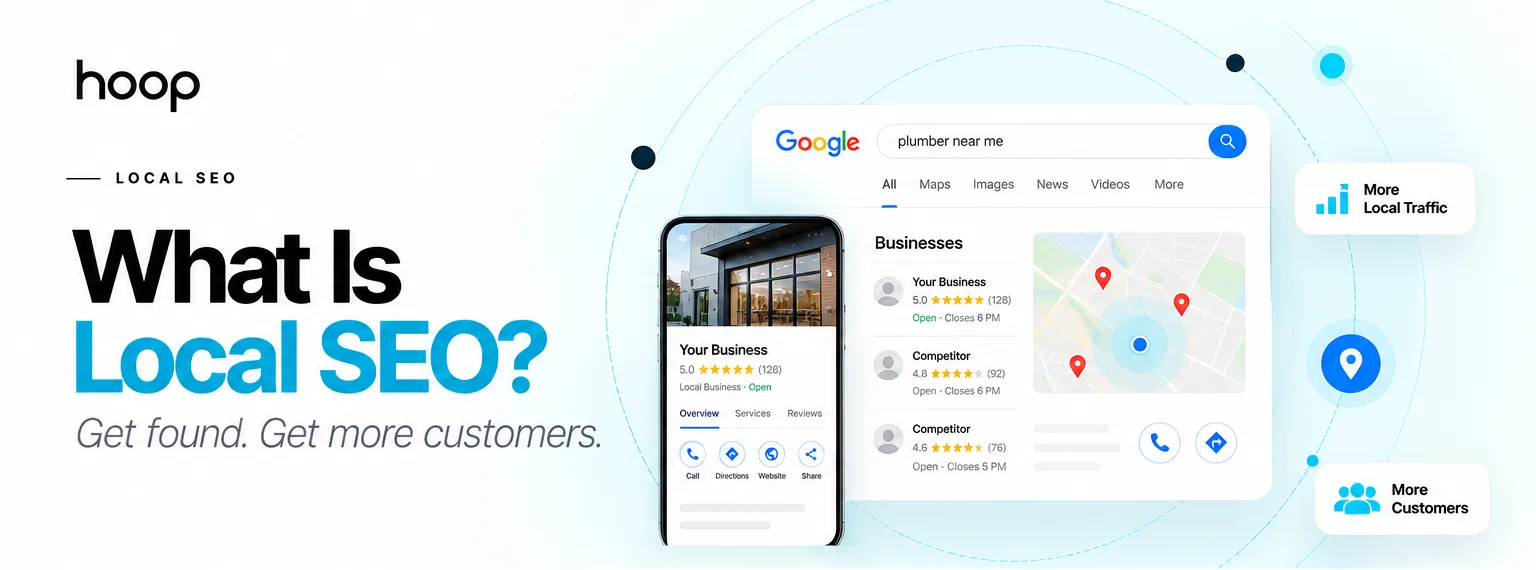
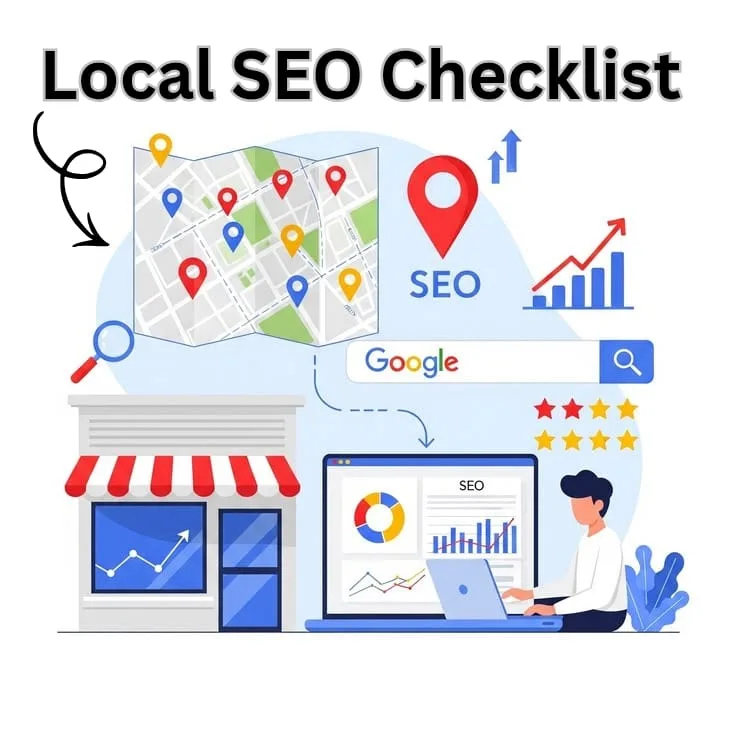
Local SEO Checklist 2026: 20 Steps to Rank in Your City is a 20-task plan for making your business easier to find in a specific city. The checklist connects Google Business Profile, local landing pages, reviews, citations, schema, and reporting.
A local SEO plan targets searches with city intent, neighborhood intent, and service intent. Examples include “dentist in Austin,” “roof repair near me,” and “best salon in Lahore.”
You need the checklist if your business serves customers in one area. Restaurants, clinics, gyms, law firms, salons, agencies, and repair companies all depend on local discovery.
Hoop Interactive supports businesses through full-funnellocal SEO services that connect search visibility with leads, calls, and revenue.
Why Does Local SEO Checklist 2026: 20 Steps to Rank in Your City Matter for City Rankings?
Local SEO Checklist 2026: 20 Steps to Rank in Your City matters because local ranking depends on more than website content. Google compares your profile, website, reviews, citations, links, and searcher location.
Searchers use local results when they want fast action. Common actions include calls, direction requests, appointment bookings, quote forms, menu views, and product checks.
Local optimization also protects your paid marketing budget. A stronger local presence increases trust before a buyer clicks an ad, calls your team, or visits your store.
Local SEO Quick-Reference Table
Use this table to schedule the 20 tasks without losing time on low-impact work.
| Task Group | Timing | Method | Difficulty |
|---|---|---|---|
| Profile setup | Day 1 | Verify GBP, categories, NAP, services | Easy |
| Review system | Week 1 | Request reviews, reply daily, track ratings | Medium |
| Citation cleanup | Week 2 | Fix directories, maps, social profiles | Medium |
| Local pages | Weeks 2-4 | Create city pages, schema, internal links | Medium |
| Authority building | Monthly | Earn links from chambers, media, vendors | Hard |
| Reporting | Monthly | Track maps, calls, forms, bookings | Easy |
Start with tasks that affect visibility and trust first. Delay advanced content until your profile, citations, and tracking work correctly.
How to Prepare Your Local SEO Foundation
You prepare a local SEO foundation by defining your market, tracking results, and checking active competitors. Strong setup prevents random optimization work.
How to Define Your Local Market
To define your local market, write your primary city, 5 neighborhoods, and 10 service phrases. Use real customer language from calls, emails, and reviews.
Map each service to one location target. A plumber can target “emergency plumber in Dallas” and “water heater repair in Plano.”
How to Set Up Local Tracking Tools
To set up local tracking tools, connect Google Search Console, Google Analytics 4, Bing Webmaster Tools, and call tracking. Track calls, forms, directions, and bookings.
Create 4 conversion events in Google Analytics 4. Track phone clicks, form submissions, appointment buttons, and route clicks.
How to Audit Local Competitors
To audit local competitors, search your 10 main keywords from your target city. Record the businesses that appear in the map pack and organic results.
Review competitor categories, reviews, photos, titles, pages, backlinks, and citations. Use examples like Semrush, Ahrefs, BrightLocal, and Google Search Console.
How to Complete Local SEO Checklist 2026: 20 Steps to Rank in Your City
To complete Local SEO Checklist 2026: 20 Steps to Rank in Your City, work through 20 steps in order. Start with profiles, then improve website relevance, authority, and tracking.
- Claim and verify your Google Business Profile: Claim your profile, complete verification, and assign one owner. A verified profile allows edits, review replies, photos, services, and performance checks.
- Choose the right primary category: Choose the category that matches your main revenue service. A dentist should choose “Dentist,” not “Health consultant” or “Medical office.”
- Add complete NAP details: Add name, address, phone number, website, hours, and service areas. Match every detail across your website, Google profile, and directories.
- Write a clear business description: Write 2 short paragraphs that explain services, city, audience, and proof. Avoid keyword stuffing and promotional claims.
- Add services and products: Add services like teeth whitening, tax preparation, roof repair, personal training, and ecommerce consulting. Add prices only when pricing stays stable.
- Upload real photos every month: Upload exterior, interior, team, product, and work photos. Real photos help customers confirm location, quality, and trust.
- Create a review request system: Ask every satisfied customer for a review within 24 hours. Send one direct link by email, text message, or invoice note.
- Respond to every review: Reply to positive and negative reviews with names, service references, and location cues. Keep replies professional and specific.
- Build core citations: Create accurate listings on platforms like Yelp, Apple Business Connect, Bing Places, Facebook, Tripadvisor, and industry directories.
- Fix NAP inconsistencies: Audit old phone numbers, outdated addresses, duplicate listings, and wrong business names. Correct mismatches before building new citations.
- Create city landing pages: Build one page for each real location or service area. Include unique services, local proof, FAQs, reviews, and driving context.
- Optimize title tags and headings: Write title tags with service, city, and brand. Use one H1 and descriptive H2 headings on each local page.
- Add LocalBusiness schema: Add LocalBusiness structured data with name, address, phone, hours, URL, logo, geo data, and sameAs profiles.
- Improve mobile speed: Compress images, reduce unused scripts, and test forms on mobile. Fast pages support calls, directions, and bookings.
- Add internal links between local pages: Connect service pages, location pages, blog posts, and contact pages. Use clear anchors like city dental services or local roof repairs.
- Publish local content monthly: Publish guides about neighborhoods, seasonal problems, local events, and customer questions. Examples include storm roof checks and wedding venue guides.
- Earn local backlinks: Earn links from chambers, charities, schools, event pages, local news sites, vendors, and partner businesses.
- Track map pack rankings: Track your rankings for 10 keywords across your city. Measure map pack, organic results, and competitor movement separately.
- Measure local conversions: Measure calls, forms, bookings, directions, and chats. Compare traffic quality by city, device, landing page, and keyword group.
- Refresh local SEO every month: Review photos, posts, reviews, citations, rankings, and page updates every month. Assign one person to own the checklist.
How to Optimize Google Business Profile
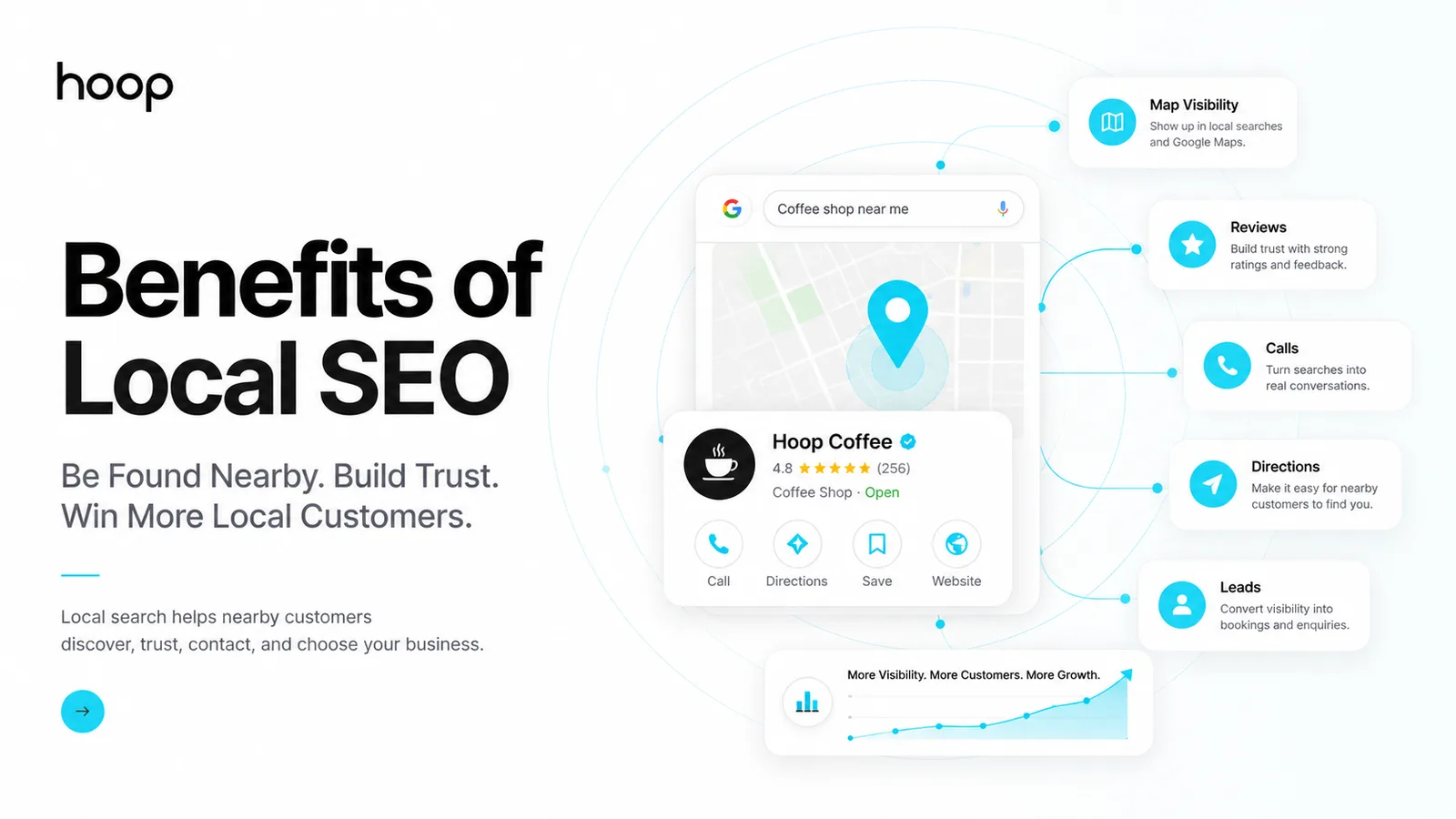
To optimize Google Business Profile, complete every visible field and review profile accuracy every month. Google uses complete data to match searches.
Add business categories, services, products, hours, attributes, photos, posts, and questions. Examples include parking, accessibility, delivery, appointments, and payment options.
How to Build Trust Signals
To build trust signals, collect reviews, respond with detail, show real photos, and keep profiles active. Customers judge your business before visiting.
Trust signals also support prominence. Google connects prominence with links, articles, reviews, ratings, and known offline reputation.
How to Improve Website Relevance
To improve website relevance, match every page to one service and one city intent. Clear pages help search engines connect service and location.
Your pages need proof. Add local testimonials, project photos, staff details, service areas, and frequently asked local questions.
How to Improve Google Business Profile Signals

You improve Google Business Profile signals by making your profile accurate, active, and specific. Google needs clear business data and customer engagement.
How to Select Business Categories
To select business categories, choose one primary category that matches your main service. Add secondary categories only for real services.
A med spa can use “Medical spa” as primary. Secondary categories can include “Laser hair removal service” and “Skin care clinic.”
How to Add Services and Products
To add services and products, list every revenue service with clear names. Add service descriptions that match customer search language.
A law firm can add divorce lawyer, child custody lawyer, estate planning attorney, and business contract lawyer.
How to Manage Photos and Posts
To manage photos and posts, upload real visuals and update offers monthly. Use team photos, work samples, product shelves, and event images.
Post updates for holidays, seasonal offers, new services, and community events. Short updates keep your profile active for searchers.
How to Build Local Authority in Your City
You build local authority by earning mentions, citations, reviews, and links from trusted local sources. Authority proves community relevance.
How to Fix NAP Citations
To fix NAP citations, compare your name, address, and phone number across every listing. Correct mismatches on directories, maps, and social profiles.
Check Google Business Profile, Bing Places, Apple Business Connect, Yelp, Facebook, BBB, Tripadvisor, and local chamber pages.
How to Earn Local Backlinks
To earn local backlinks, build relationships with real city organizations. Contact schools, charities, chambers, suppliers, sponsors, bloggers, and local media.
Offer useful assets like local guides, sponsorship pages, expert quotes, event support, and customer education resources.
How to Publish Local Content
To publish local content, answer buyer questions with city context. Create pages for services, neighborhoods, events, problems, and buying decisions.
A cleaning company can publish move-out cleaning checklists, apartment cleaning guides, and seasonal deep-cleaning pages for each city.
Hoop'sSartorial Thrifts case shows how brand identity, WordPress, social media, and SEO can start from zero.
How to Adapt Local SEO Checklist 2026: 20 Steps to Rank in Your City for Service-Area Brands
You adapt Local SEO Checklist 2026: 20 Steps to Rank in Your City by separating public locations from service areas. A service-area brand needs clear coverage pages without fake offices.
Service-area brands need proof across each coverage area. Real project details, customer reviews, and staff knowledge beat generic city lists.
Multi-location brands need clean ownership. Each branch needs one profile, one landing page, one review plan, and one reporting view.
How to Hide Your Address Correctly
To hide your address correctly, use service-area settings when customers never visit your office. Keep phone, website, hours, and categories complete.
Add service areas that match real operations. Examples include Brooklyn, Queens, Manhattan, Hoboken, and Jersey City.
How to Build Location Pages Without Duplicate Content
To build location pages without duplicate content, write unique proof for each city page. Add staff notes, project photos, reviews, and local questions.
Avoid copied city pages with only swapped city names. Thin pages weaken trust and create poor visitor experience.
How to Prioritize Multi-Location Work
To prioritize multi-location work, fix your highest-revenue locations first. Rank locations by revenue, review score, traffic, and lead volume.
Create one owner for each profile. One person should update hours, photos, reviews, posts, and citation changes monthly.
How to Track Local SEO Results Monthly
You track local SEO results monthly by measuring rankings, profile actions, website traffic, and conversions. Ranking data alone gives an incomplete view.
How to Measure Map Pack Visibility
To measure map pack visibility, track 10 high-intent local keywords from your target city. Separate branded, service, and near-me searches.
Record 3 ranking areas: Google Maps, local pack, and organic pages. Each area uses different signals and user behavior.
How to Review Conversion Data
To review conversion data, check calls, forms, bookings, directions, and chat leads every month. Tie every action to a landing page.
Use Google Analytics 4, Search Console, call tracking, CRM records, and Google Business Profile performance reports.
What Local SEO Mistakes Stop City Rankings?
Local SEO mistakes stop rankings by weakening trust, relevance, or prominence. Fix profile errors before adding new content or links.
Avoid these 8 mistakes:
- Using different phone numbers across listings.
- Choosing broad categories that hide your main service.
- Publishing duplicate location pages for multiple cities.
- Ignoring negative reviews and unanswered questions.
- Adding city keywords without useful local detail.
- Buying spam links from unrelated websites.
- Forgetting mobile speed and click-to-call testing.
- Tracking rankings without tracking leads and revenue.
The strongest Local SEO Checklist 2026: 20 Steps to Rank in Your City plan fixes these errors first. Clean data creates better results from every future task.
Final Local SEO Action Plan
Local SEO Checklist 2026: 20 Steps to Rank in Your City gives your business a clear path from profile setup to measurable local leads. Start with Google Business Profile, then fix reviews, citations, local pages, schema, links, and tracking.
Use the 20 steps monthly and assign one owner for updates. Book afree strategy call with Hoop Interactive to turn local visibility into calls, bookings, and revenue.
“Local SEO rewards the businesses that fix profile data, reviews, citations, and content in the right order.”
Key takeaways
- 01Optimize your Google Business Profile first
- 02Keep NAP and citations consistent across the web
- 03Earn and manage reviews to build local trust
- 04Track maps visibility and local leads monthly
Written by
Sahar
Content Writer
Frequently Asked
Questions
Everything you need to know before booking a strategy call. Can't find your answer? Contact us directly.
Yes. Local SEO still works because buyers use Google Search, Google Maps, reviews, and local pages before contacting businesses.
Yes. Google Business Profile gives your business a chance to appear in Google Maps and local pack results.
Yes. Service-area businesses can rank by setting service areas, building local pages, collecting reviews, and keeping citations accurate.
Most local SEO campaigns need 3 to 6 months for clear progress. Competitive cities need stronger reviews, links, and content.
Yes. Reviews affect trust and prominence. Google also says review count and positive ratings can support local ranking. Review every local page on a phone before publishing. Test click-to-call buttons, map links, forms, menus, and booking widgets. Keep the first screen focused on one action. Calls, bookings, and quote forms convert better than mixed choices.